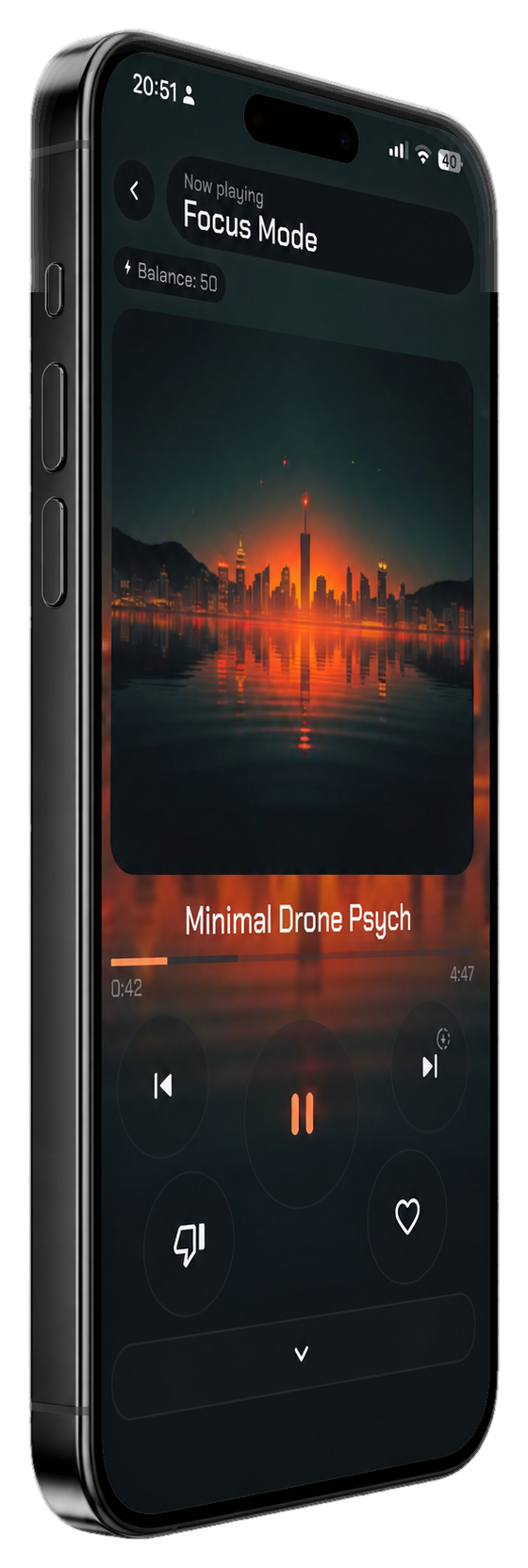
Set your taste once. Slopify keeps making new tracks while you listen.
or listen in your browser
Set the taste. Press play. Shape what comes next.
A station only needs a starting point. After that, Slopify keeps the stream moving and uses your feedback to understand where it should go.
1Set the soundChoose the genres, moods, and energy you want the station to start from.2Press playSlopify turns that setup into an uninterrupted stream of new music.3Tune it by listeningLikes, skips, dislikes, and new blends help the station understand what should come next.
A better way to discover AI music radio
Slopify station compared with track-by-track AI music prompt tools
Listening moment
Track-by-track prompt tools
Slopify station
Start
Write a prompt
Set preferences
Playback
One result
Continuous stream
Next track
Start over
Keeps arriving
Taste
Lives in your head
Learns as you listen
Track-by-track prompt tools
Slopify station
Start
Write a prompt
Set preferences
Playback
One result
Continuous stream
Next track
Start over
Keeps arriving
Taste
Lives in your head
Learns as you listen
Prompt tools are great for making one song. Slopify is built for listening.
Press play on a real station.
These are Slopify presets. Tap a cover to hear a preview, then make your own station around the sound you like.
Previews are examples. Music is made by AI and may not be unique.
Create your own station in the app.
Easy to start. Better the longer it plays.
Slopify removes the repeated prompt-writing work without removing taste control.
No playlist upkeep
Set up the station once. New tracks keep arriving around the sound you chose.
No prompt-writing loop
Start from genres, moods, and blends instead of writing a perfect sentence every few minutes.
Taste gets clearer as you listen
Each like, skip, and dislike helps the station understand what should show up next.
Receive up to 10 tracks free
Create a station, use the 50 credits included with your account, and hear what Slopify builds around your taste before paying for anything.